Wi-Fi
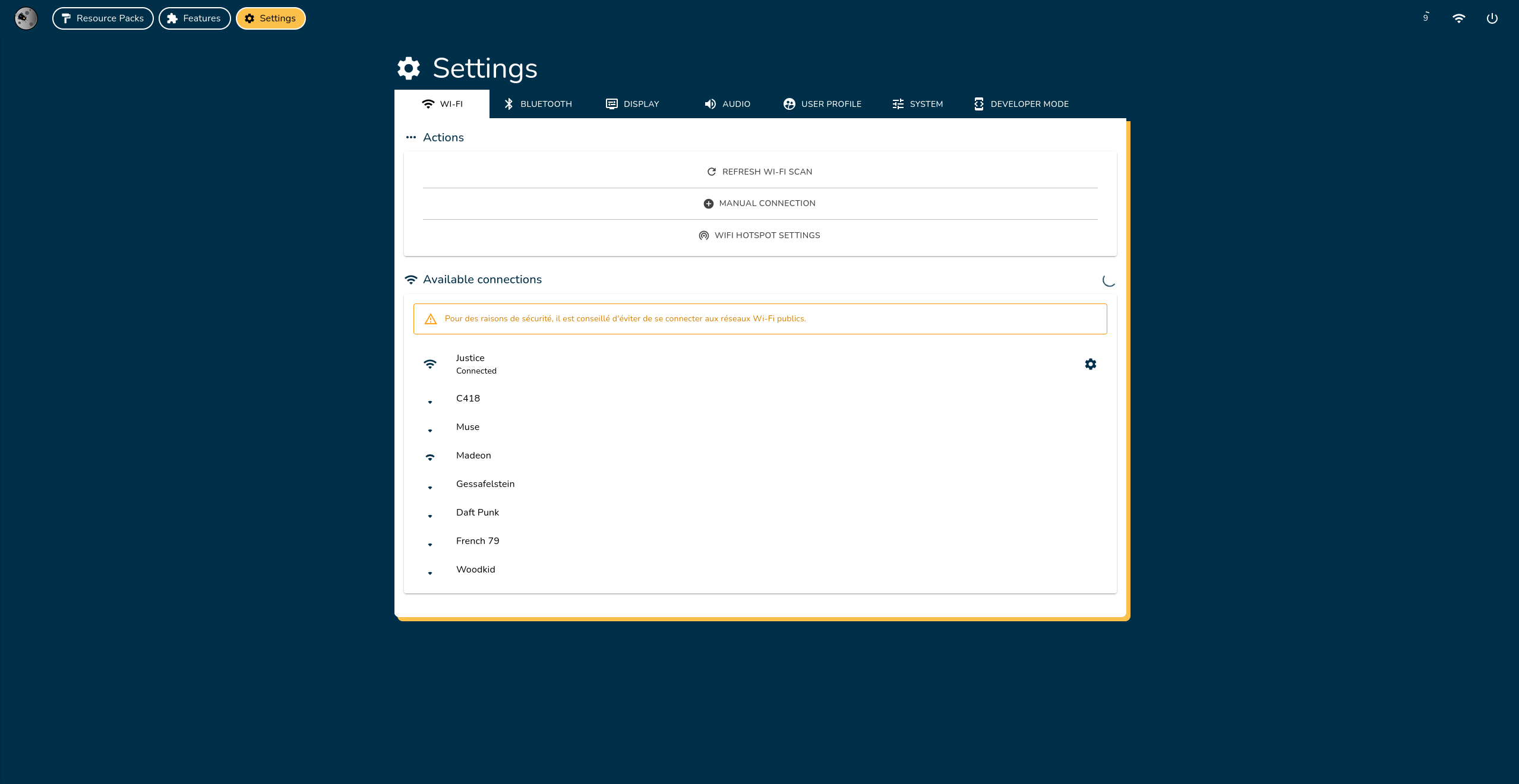
Connect Louis's eyes system to a Wi-Fi network or configure the Wi-Fi hotspot settings.
Manage Wi-Fi connections
Scan for Wi-Fi Networks
Wi-Fi scanning is disabled when the hotspot is active. Only previously discovered networks will be displayed.
The system automatically scans for networks every few seconds. To manually refresh the list, click Refresh Wi-Fi Scan.
Connect to a Wi-Fi Network
If you are currently connected to the system and switch its Wi-Fi network, you will lose access if your device is not connected to the same network.
- From Wi-Fi List
- Manual Connection
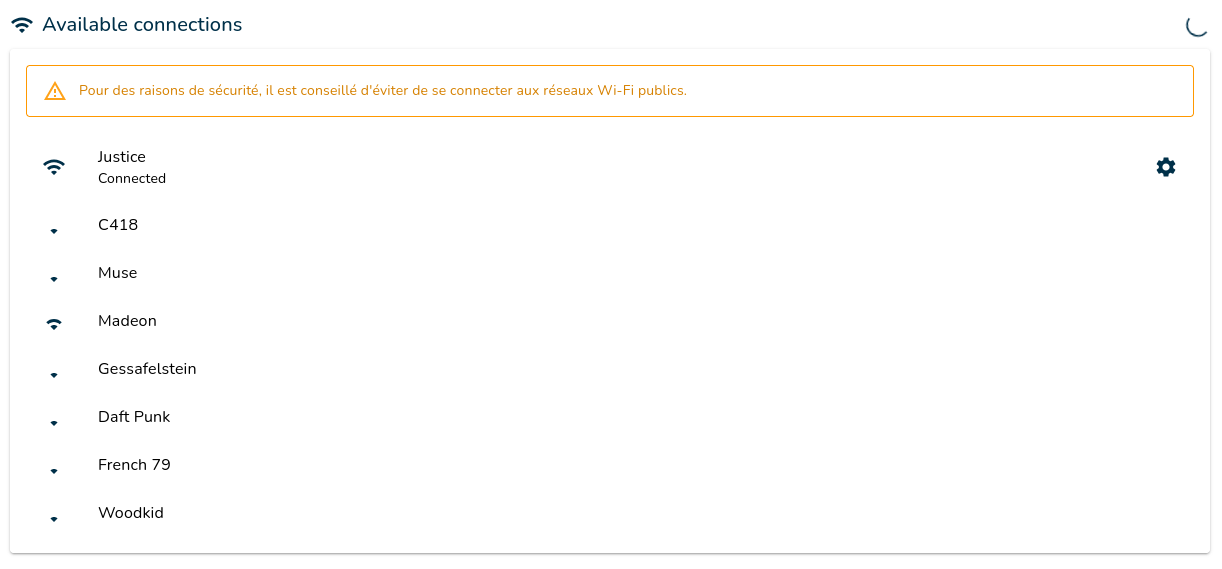
- Select the desired Wi-Fi network from the list.
- Enter the Wi-Fi password in the popup.
- Click Confirm and wait for the connection.
- Click Manual Connection at the top of the page.
- Enter the Wi-Fi name (SSID) and password in the popup.
- Click Confirm and wait for the connection.
Remove a Wi-Fi Network
-
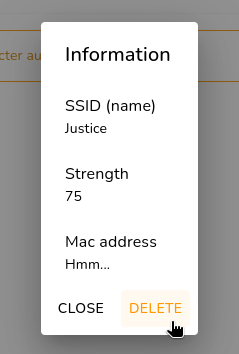
Select the Wi-Fi network you want to remove from the list.
-
Click the Delete button.
Wi-Fi Hotspot Settings
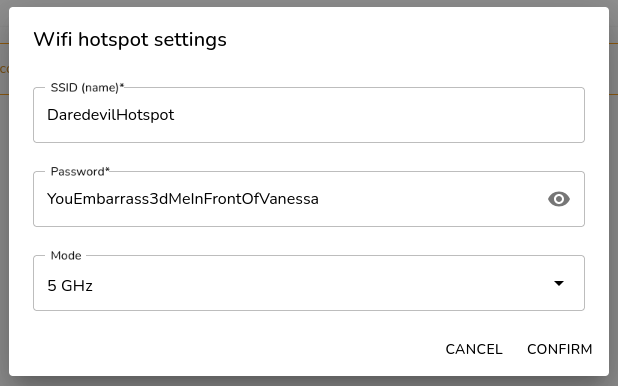
Modify the Wi-Fi hotspot settings by clicking the Wi-Fi Hotspot Settings button.
SSID (Network Name)
- Must be 1 to 32 characters long.
- Can include letters, numbers, spaces, hyphens (-), and underscores (_).
This is the name of the Wi-Fi hotspot that will be publicly visible.
Password
- Must be 8 to 63 characters long.
- Can include letters, numbers, and symbols (except quotes).
Set a strong password to prevent unauthorized access to the system.
Mode
Choose between 5GHz and 2.4GHz frequencies:
| 5GHz | 2.4GHz |
|---|---|
| Higher bandwidth | Wider compatibility |
| Less interference with Bluetooth | Longer range |
| Shorter range | Slower speed |
| May not be compatible with older devices | Potential Bluetooth interference |