Audio
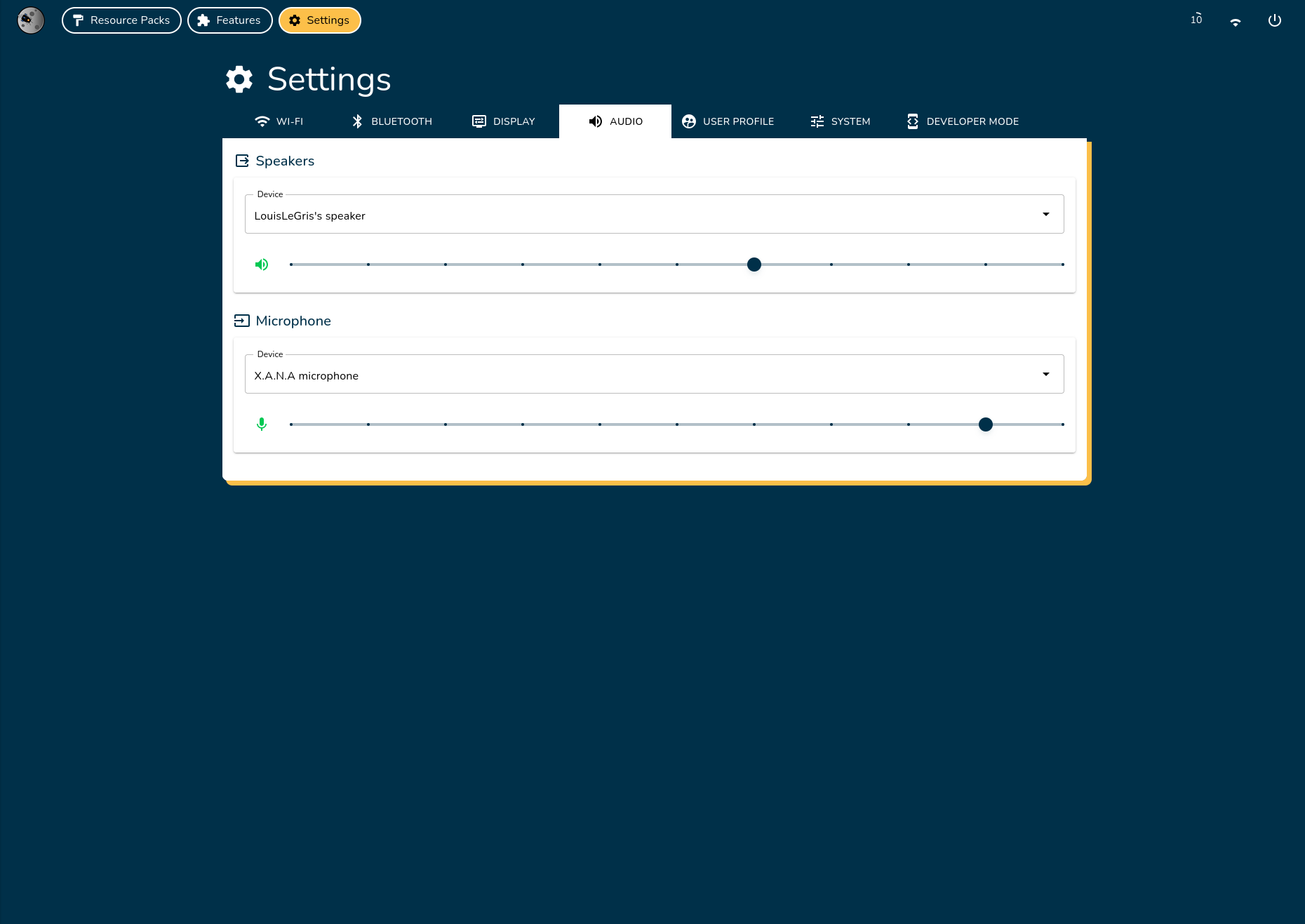
Configure your input/output audio devices and adjust the volume settings.
Device Configuration

Connect Audio Devices
- Speakers: Connect via Bluetooth or USB-C.
- Microphones: Connect via USB-C.
Select Main Device
- Choose your preferred device from the Device list.
- The selected device will automatically become the main audio device.
Adjust Volume
- Use the slider to increase or decrease the volume.
- Click the mute/unmute button (🔇/🔊) to toggle sound on/off.