Luniris OS 1.4 released

ยท One min read
LouisLeGris
LouisLeGris
Maker of the eyes system

Luniris OS 1.4 Update Now Available with new audio capabilities! ๐ŸŽ‰

New Featuresโ€‹

  • Audio playback support: You can now play audio over Bluetooth or USB-C. (#80)
  • Microphone support: USB-C and Bluetooth microphones are now compatible. (#80)
  • Audio settings menu: Mute, adjust volume, or switch audio sources directly from the settings. (#82)
  • New permission: AUDIO_ACCESS permission added for sandboxed apps. (#81)
  • Display brightness updates automatically: Manual saving is no longer required. (#84)
  • Wi-Fi hotspot band selection: Easily switch between 2.4 GHz and 5 GHz bands. (#83)

Fixesโ€‹

  • Bluetooth stability improvements when the Wi-Fi hotspot is set to 5 GHz. (#83)
  • Quotes are now forbidden from Wi-Fi hotspot password for compatibility reasons. (#83)

Luniris OS 1.3.1 released

ยท One min read
LouisLeGris
LouisLeGris
Maker of the eyes system

Luniris OS 1.3.1 Update Now Available with some small changes!

New Featuresโ€‹

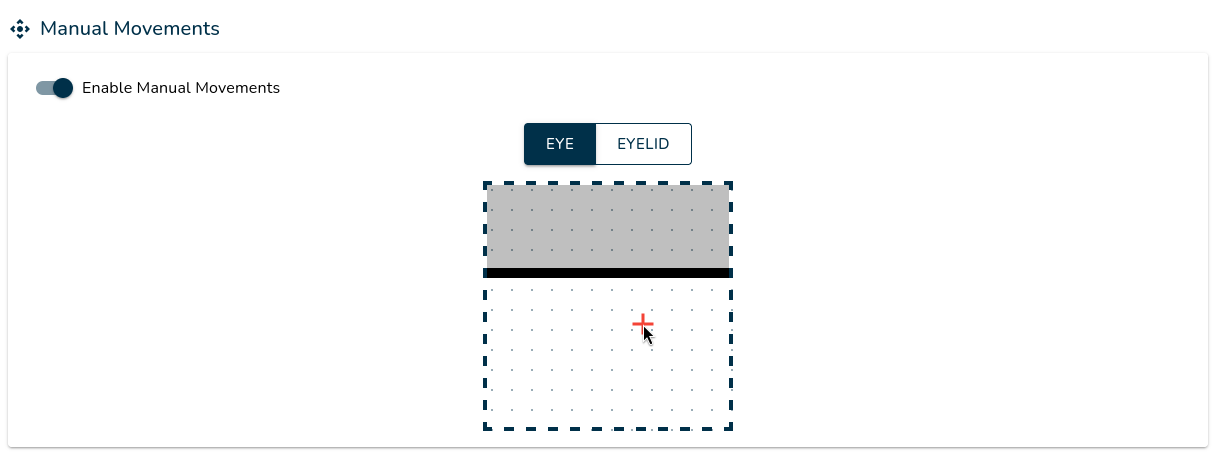
  • The eye mask has been replaced with an eye area, allowing you to define the range of eye movements without requiring touch displays. (#79)

Fixesโ€‹

  • Updated dependencies to address the vulnerability CVE-2024-43485. (#79)

Luniris OS 1.3 released

ยท One min read
LouisLeGris
LouisLeGris
Maker of the eyes system

Luniris OS 1.3 Update Now Available with a lot of new features for developers!

New Featuresโ€‹

  • Display API: Features can now control display brightness via the API. (#243)
  • Anti-aliasing settings: Anti-aliasing options are now available in Developer Settings. (#234)
  • V-sync settings: V-sync can now be toggled in Developer Settings. (#239)
  • System usage information: CPU and RAM usage, including temperature data, are now displayed in Developer Settings. (#235)
  • FPS counter: You can now enable or disable the FPS counter in Developer Settings. (#239)
  • Feature logs: Feature-specific logs are now accessible for debugging purposes. (#242)
  • System and app logs:: System and application logs are now available for troubleshooting. (#242)
  • Display orientation: Displays can now be set to landscape or portrait mode in Display Settings. (#240)
  • Post-update display: A post-update screen now prompts users to confirm updates within the app.

Fixesโ€‹

  • Removed deprecated Developer Settings options. (#233)

Luniris OS 1.2 released

ยท One min read
LouisLeGris
LouisLeGris
Maker of the eyes system

Luniris OS 1.2 Update Now Available with some enhancements for features!

New Featuresโ€‹

  • Added a dropdown list in the features settings (#67)
  • Features settings can now be updated in real-time (#68)
  • Introduced native features, allowing execution based on native binary files (#69)

Fixesโ€‹

  • Fixed an issue where the "Launch at startup" parameter was reset upon feature updates (#69)
  • Increased the upload limit for features and resource packs from 15MB to 100MB (#69)

Luniris OS 1.1 released

ยท One min read
LouisLeGris
LouisLeGris
Maker of the eyes system

Luniris OS 1.1 Update Now Available with a lot of fixes!

New Featuresโ€‹

  • Reset the Luniris system by quickly pressing the main button 15 times. (#64)
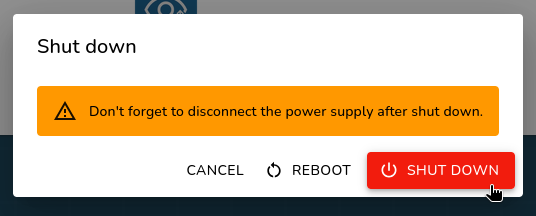
  • Shut down the Luniris system by pressing the main button for 5 seconds or directly from the Luniris application. (#63)
  • Change the Wi-Fi region from the settings. (#60)
  • Added information alerts in Wi-Fi settings. (#66)

Fixesโ€‹

  • Improved management of interior LEDs. (#61)
  • Resolved random GPU performance issues at startup. (#65)
  • Fixed crashes and communication issues with the backend for the eyes. (#65)
  • Eliminated the small latency issue between the two displays. (#65)
  • Completely rethought the management of multiple screens for displaying the eyes. (#65)