Bluetooth
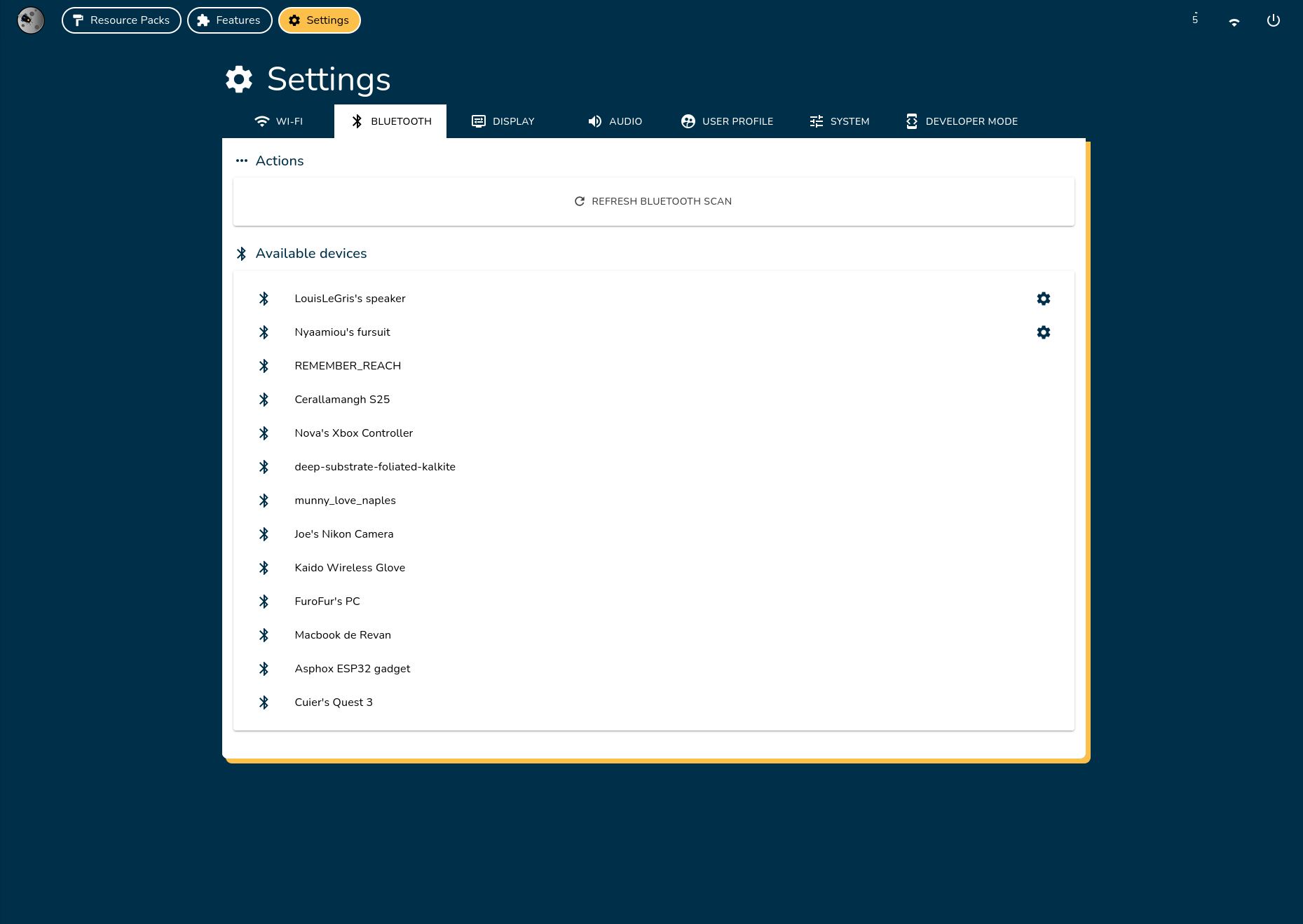
Connect Louis's eyes system to Bluetooth devices such as speakers, controllers, or custom accessories.
Manage Bluetooth Connections
Scan for Bluetooth Devices
The system automatically scans for nearby Bluetooth devices every few seconds. To manually refresh the list, click Refresh Bluetooth Scan.
Connect to a Bluetooth Device
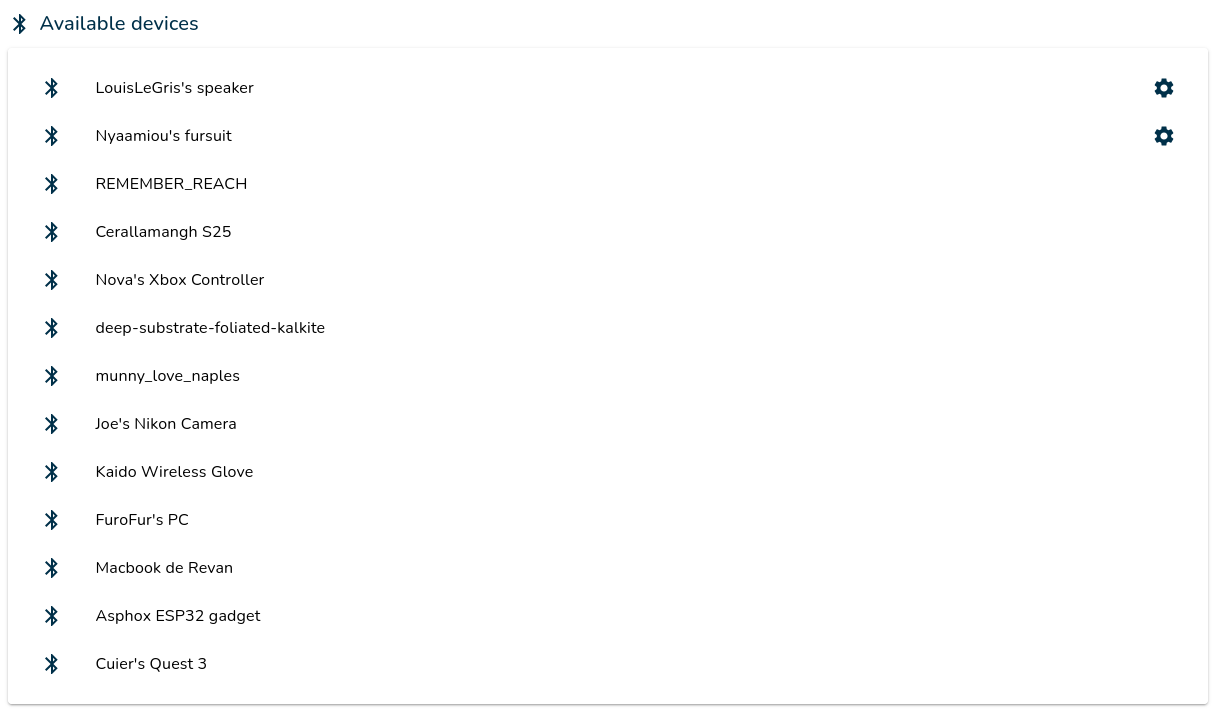
- Select the desired Bluetooth device from the list.
- If this is your first connection, wait for the system to establish the connection. If you have previously connected, click Connect in the popup.
Your device is now connected!
Remove a Bluetooth Device
- Select the desired Bluetooth device from the list.
- To permanently remove the device, click Delete. To temporarily disconnect, click Disconnect.
Your device is now disconnected or deleted!
Bluetooth Compatibility
Louis's eyes system uses Bluetooth 5.0 and is compatible with a wide range of Bluetooth devices, including Bluetooth Low Energy (LE) devices.
Officially Tested Bluetooth Speakers
- Xiaomi Mi Bluetooth Speaker
- Soundcore Select 4 Go
Compatibility Note
While many Bluetooth devices should work, we cannot guarantee compatibility with all Bluetooth speakers. Only the devices listed above have been officially tested.