Installing Updates
Luniris OS regularly receives new features, improvements, and bug fixes through updates. These updates can be installed either via an online (Over-the-Air) method or through an offline installation.
Automatically Check for Online Updates
An active internet connection is required for online updates. Ensure your system is connected to Wi-Fi.
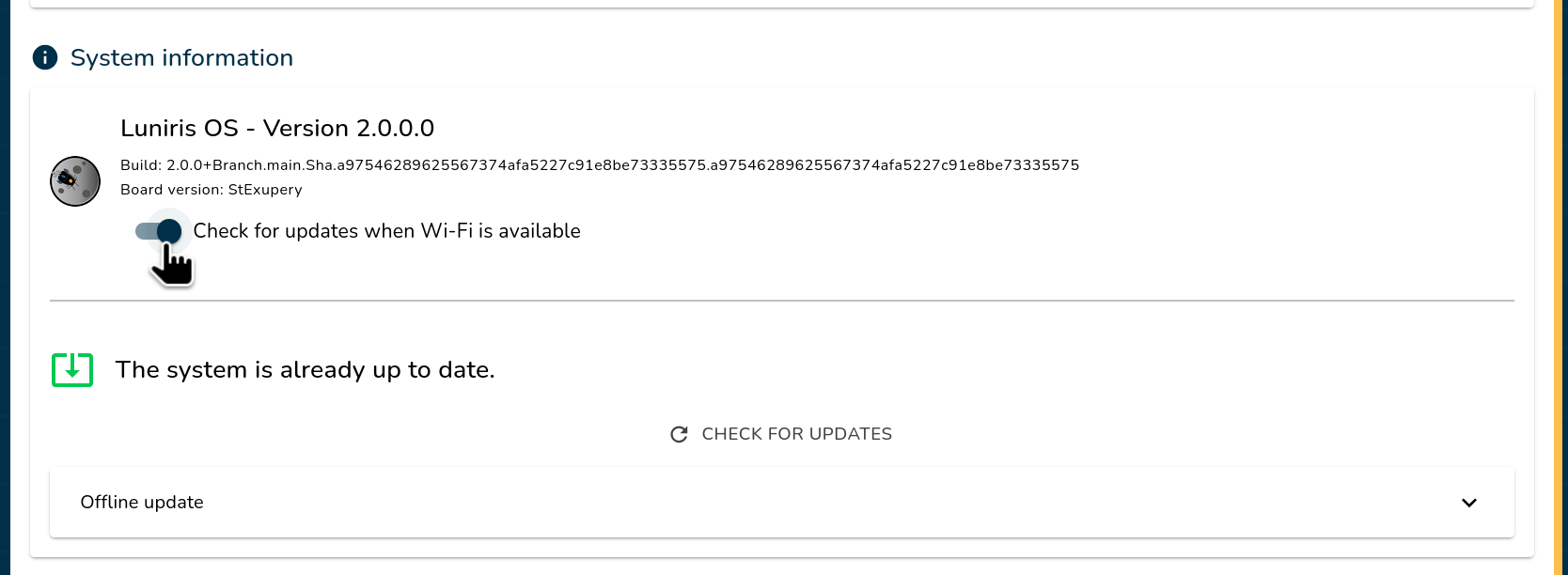
Luniris OS can automatically check for available updates at every boot, provided it is connected to a Wi-Fi network. To modify this preference, follow these steps:
-
Open the Luniris App
Open the app on your web browser.
-
Navigate to Update Settings
Go to Settings → System and toggle the Check for updates when Wi-Fi is available option on or off. Once configured, click the Save button located at the bottom of the page.
Installing an Online Update (Over-the-Air)
An active internet connection is required for online updates. Ensure your system is connected to Wi-Fi.
Follow these steps to install an online update:
-
Open the Luniris App
Open the app on your web browser.
-
Navigate to Update Settings and Check for Updates
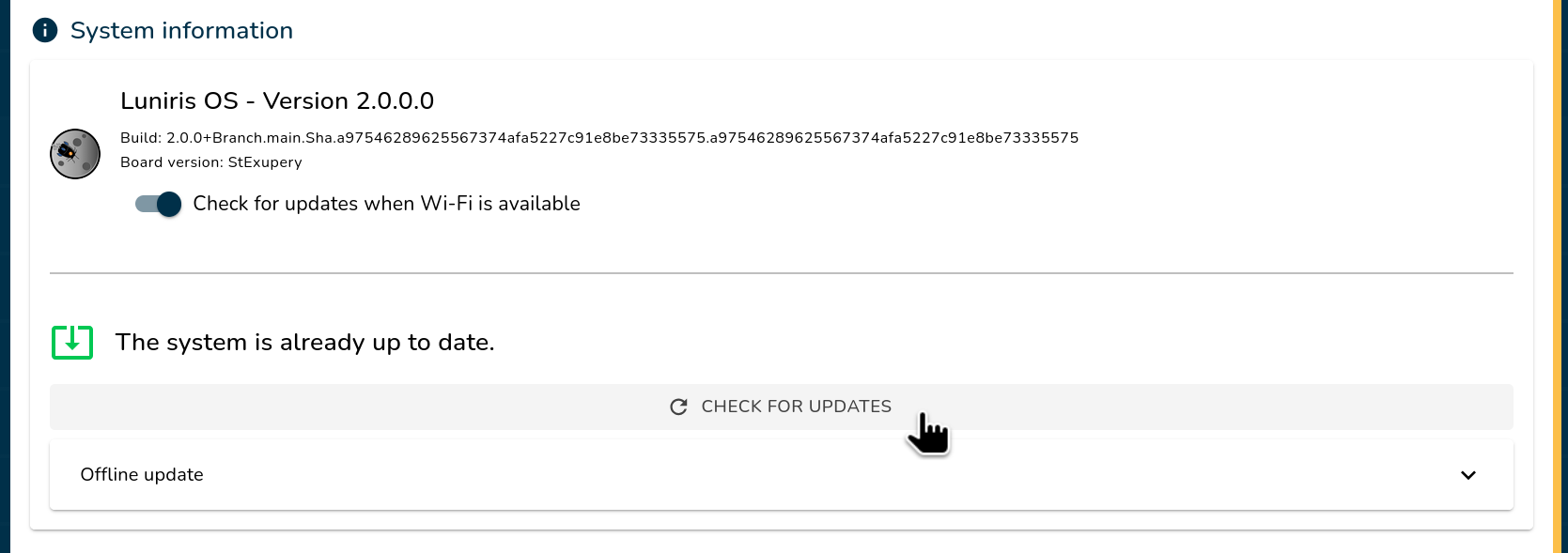
Update already availableIf the system has already detected an update, you can skip directly to the next step.
Go to Settings → System to check for available updates.
-
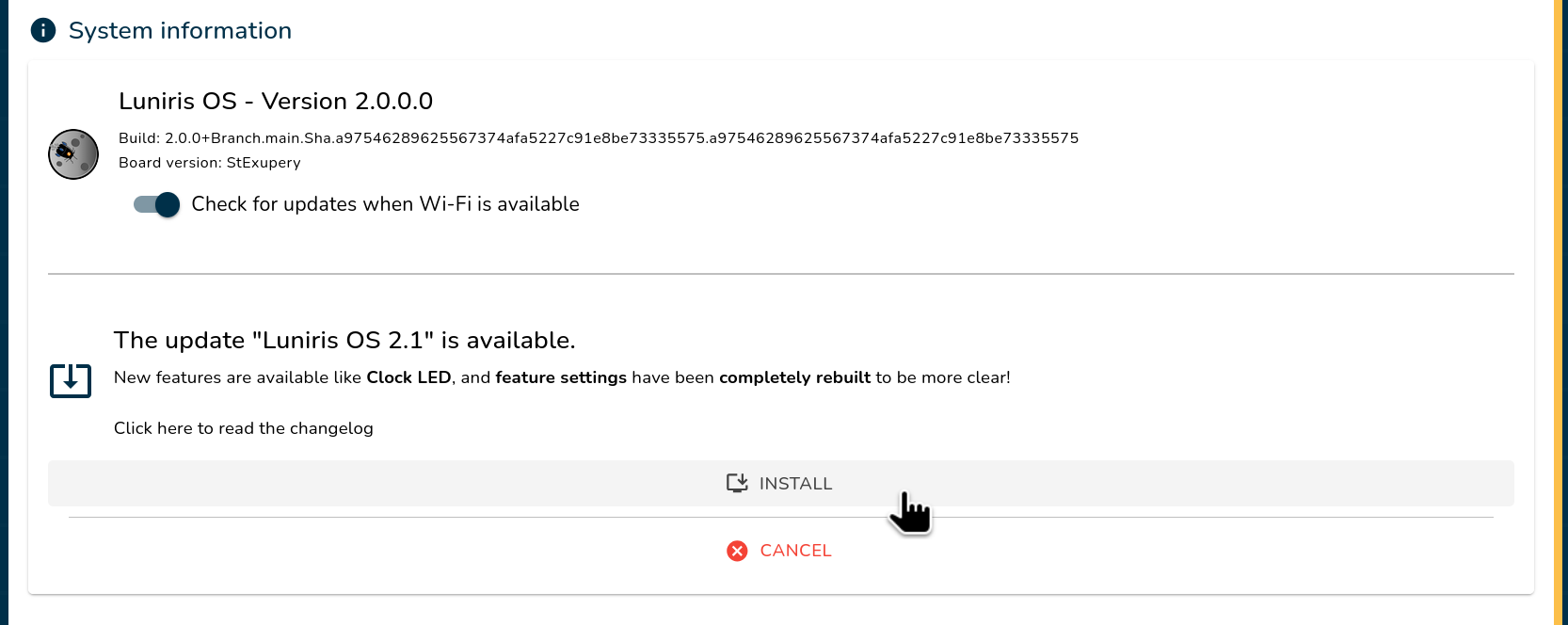
Install the Update Click "Install" and wait for the system to automatically reboot. Alternatively, you can cancel the process and check for updates again later.
ImportantDo not shut down the system during the update process. Interrupting the update may cause data corruption or system failure.
-
Confirm the Update
Once the system has rebooted, confirm the update by clicking the "OK" button within the Luniris app.
RollbackIf the system performs a rollback, it means the update failed to install properly, or the system was rebooted before the new update could be confirmed.
Installing an Offline Update
Follow these steps to install an offline update:
-
Open the Luniris App
Open the app on your web browser.
-
Navigate to Update Settings
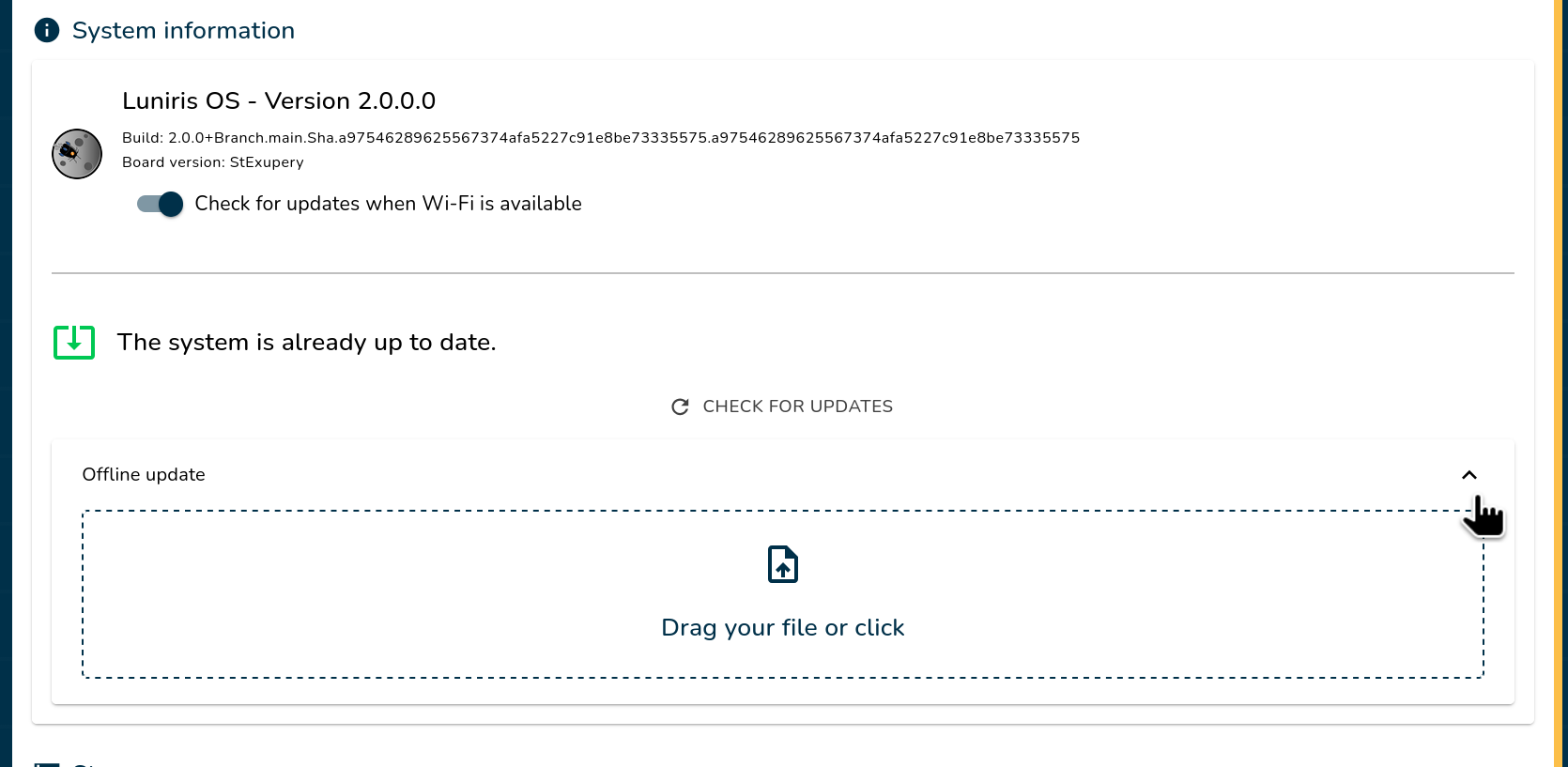
Go to Settings → System and select "Offline Update".
-
Upload the Update File
Drag and drop the update file into the designated area (or click to browse and select the file). Wait for the upload to complete.
-
Install the Update
Click "Install Update" and wait for the system to automatically reboot.
ImportantDo not shut down the system during the update process. Interrupting the update may cause data corruption or system failure.
-
Confirm the Update
Once the system has rebooted, confirm the update by pressing the "OK" button in the Luniris app.
Your system is now up to date! 🎉