User Profile
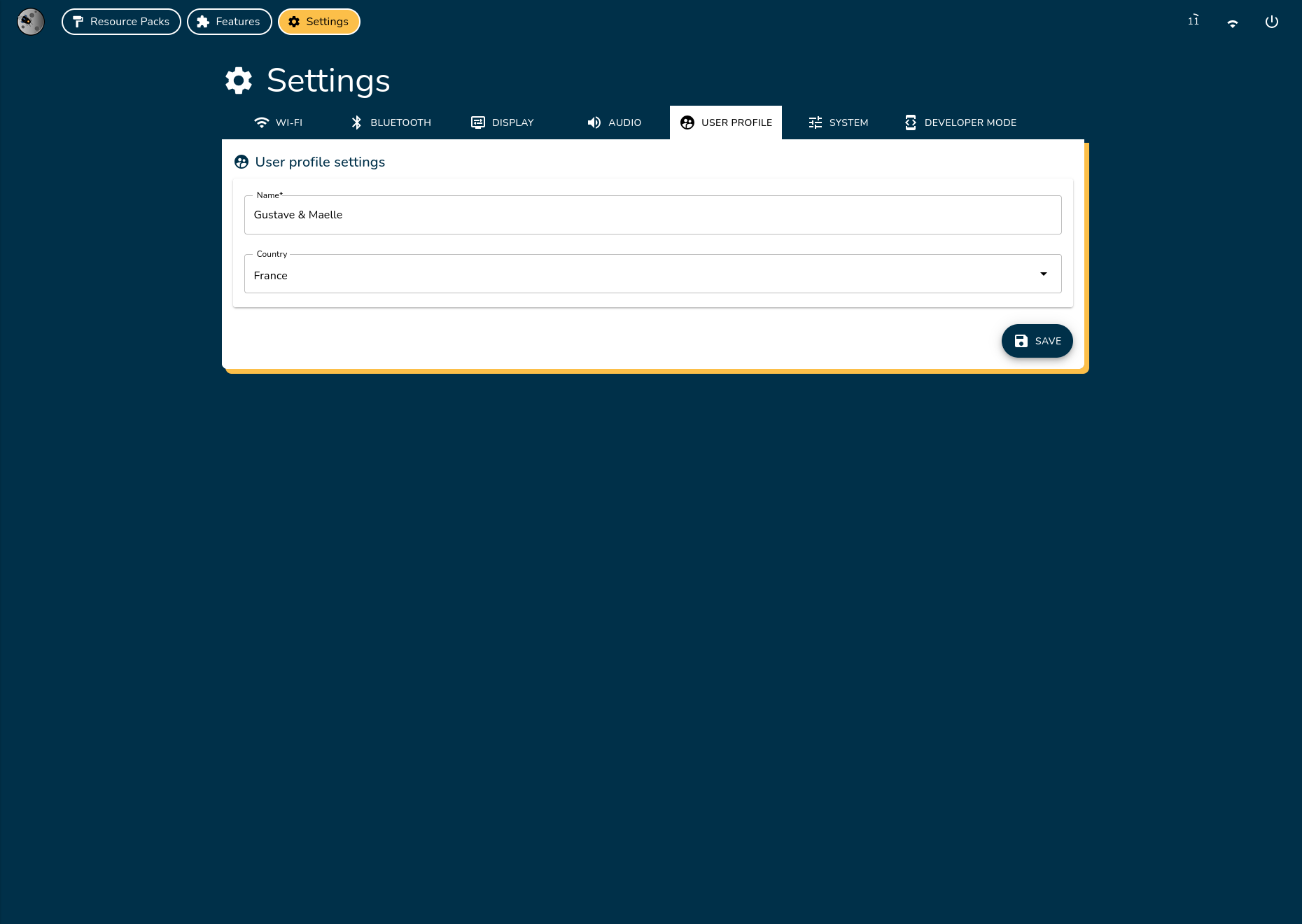
Customize your user name and country settings.
User Name

- Enter your preferred user name in the text field
- Click Save to apply changes
- This name will be used across the system and features
Country Selection

Important
Your country selection determines Wi-Fi frequency regulations.
- Select your current country from the dropdown menu
- Click Save to confirm your selection. You will need to restart the system to apply the changes.