Configuration
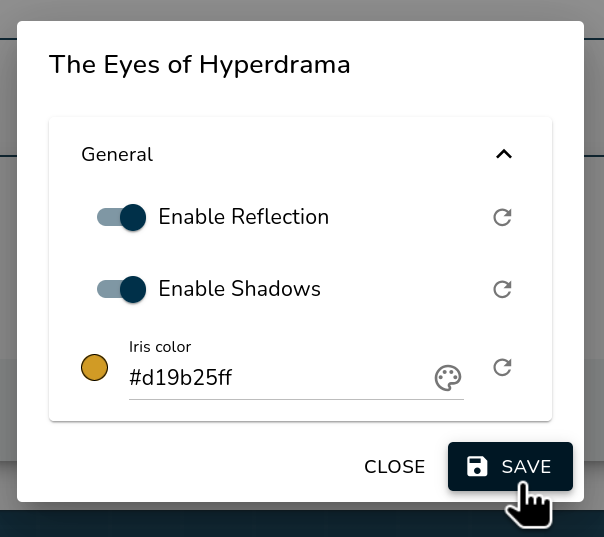
Customize your resource pack settings to modify how the eyes are displayed.
Resource Pack Settings
Access and Update Settings
1. Open the Luniris App
Open the app in your web browser.
2. Navigate to the Resource Packs Section and open Settings
Locate the Resource Packs section on the home page, and click the gear icon to open the settings.

3. Modify and Save Settings
- Adjust the settings in the available sections.
- Click Save to apply your changes.