Configuration and External Application
Customize feature settings or launch external applications for enhanced functionality.
Feature Settings
Access and Update Settings
1. Open the Luniris App
Open the app on your web browser.
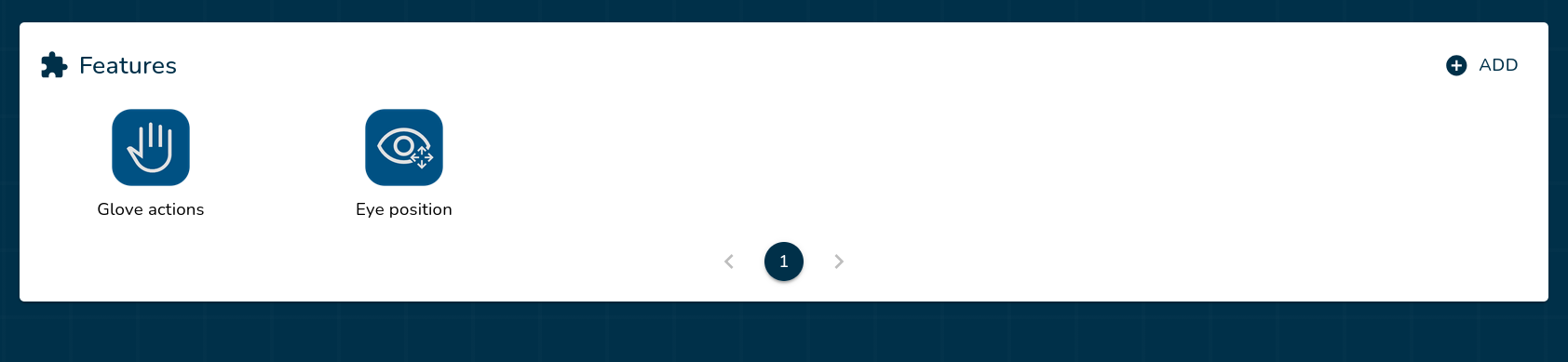
2. Navigate to the Features Section
Locate the features section on the home page.
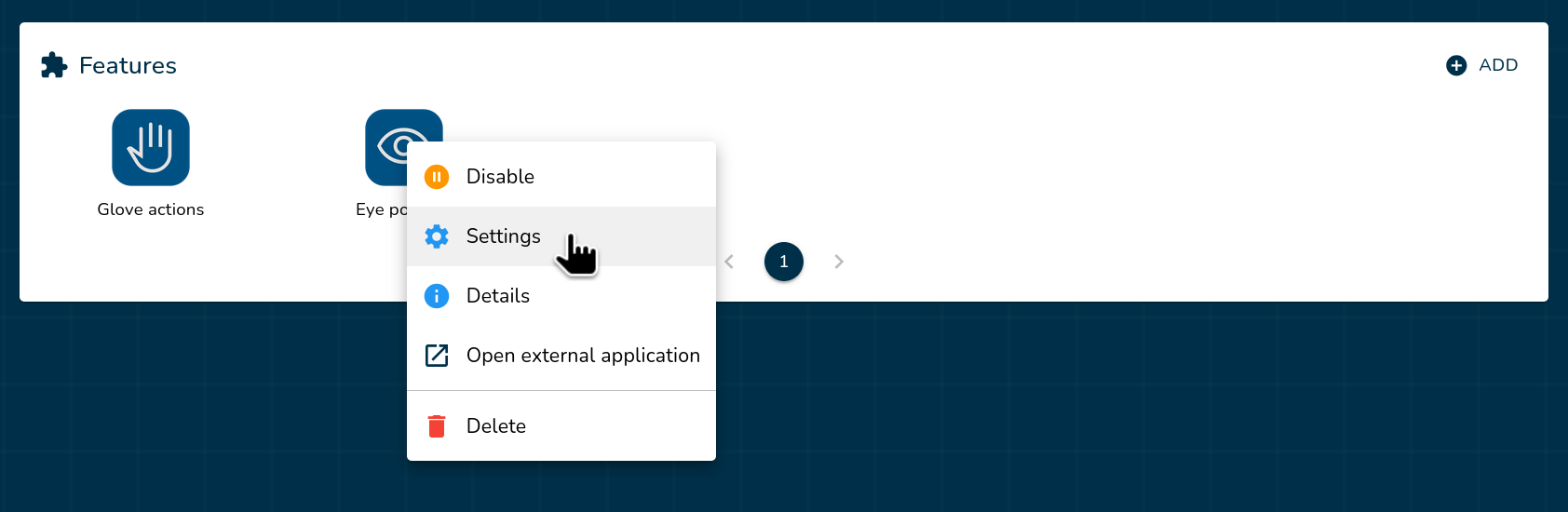
3. Open Feature Settings
Right-click the feature (or press and hold if you are using a mobile device or tablet) you want to access settings and select Settings.
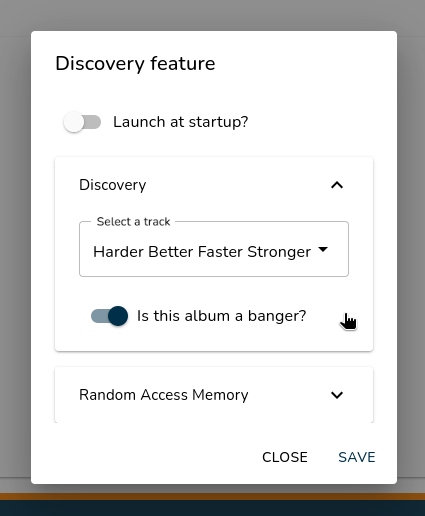
4. Modify and Save Settings
- Update the settings in the available sections.
- Click Save to apply your changes.
Tip: Enable Launch at startup to automatically start the feature when the system boots.
External Applications
Some features include external applications for additional settings or capabilities.
Option A: Click the Feature Icon
If the feature does not include an external application, clicking the icon will open the standard Settings menu instead.
Simply click the feature icon (or tap it if you are using a mobile device or tablet) to launch the external application.
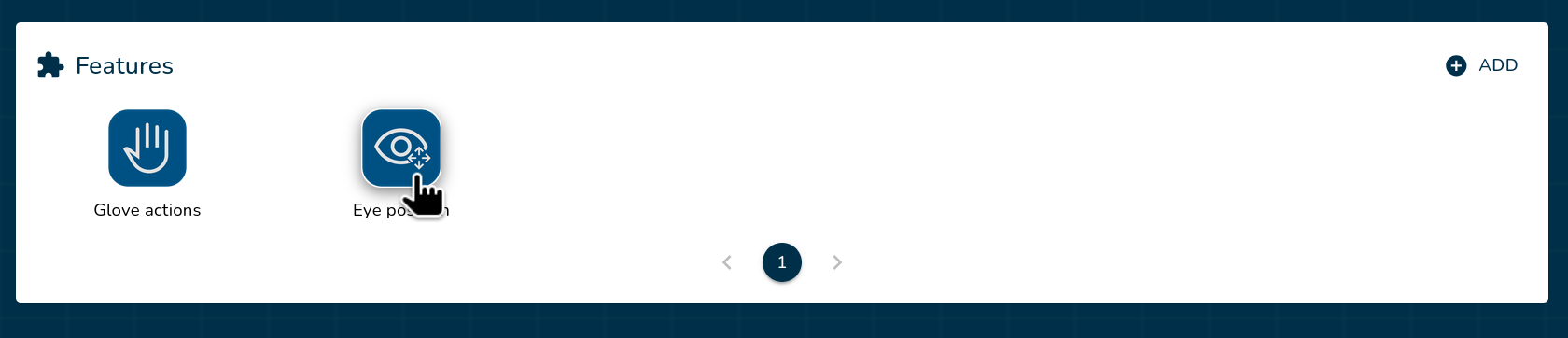
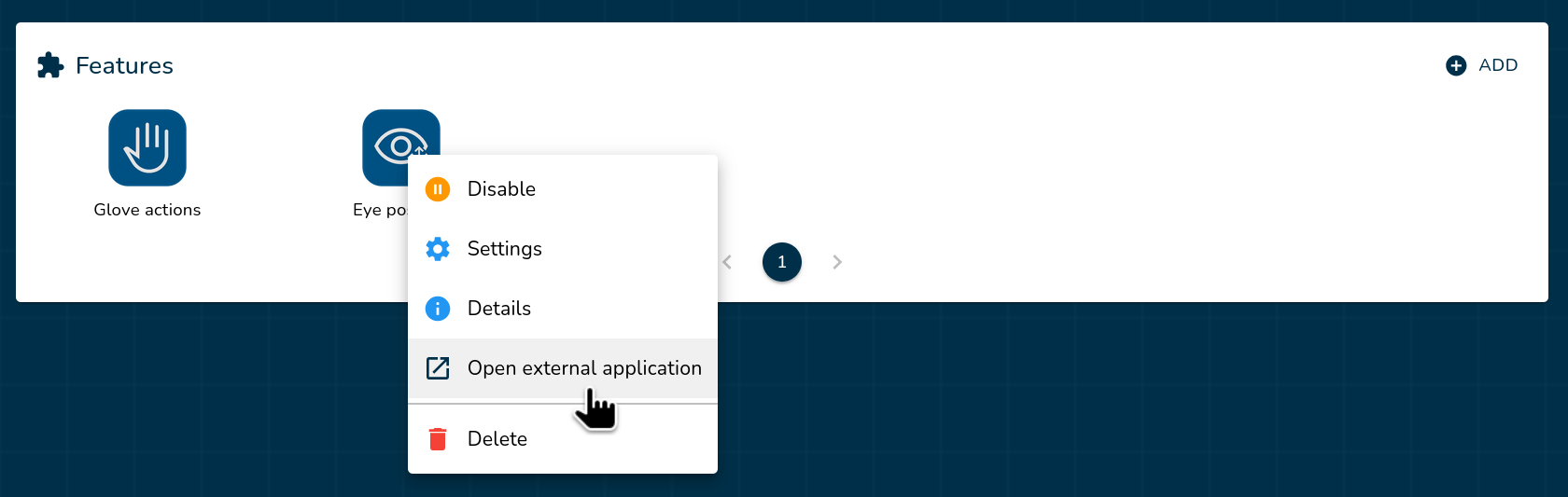
Option B: Use the Right-Click menu
Right-click the feature (or press and hold if you are using a mobile device or tablet) you want to access external application and select Open external application.